2026 REGISTRATIONS CLOSE SOON!
SPECIAL ACCESS DISCOUNT - $100 OFF
00
DAYS
00
HOURS
00
MINS
00
SECS
From iPad to Sketchbook:
A Procreate Course for Every Level
A beginner-friendly Procreate course with 25+ lessons and 7+ hours of real-time drawing and guided instruction
Learning Digital Art Can Feel Overwhelming
Especially when you’re just getting started
Maybe you’ve opened Procreate, stared at the screen, and thought… where do I even begin?
👉🏼You want to draw or paint digitally, but the tools, layers, and settings feel confusing.
👉🏼You’re not sure how to turn a blank canvas into something that actually looks like art.
👉🏼You worry that no matter how much effort you put in, your work won’t look “good enough”.
If that sounds familiar, you’re not doing anything wrong.
Starting something new, especially digital art, can feel intimidating. It’s easy to think everyone else has it figured out already, and to feel stuck before you even get going. Here’s the thing, though: you don’t need advanced skills, fancy techniques, or years of experience to create meaningful, expressive digital art.
From iPad to Sketchbook was created to take the pressure off and help you build confidence by actually drawing. We’ll draw together in real time, build a digital sketchbook from scratch, and move through the full creative process, from messy sketches to more refined pieces, without overthinking or perfectionism.
By the end of the course, you won’t just understand Procreate.
You’ll have a finished digital sketchbook, completed artwork, and a creative process you can return to anytime.
Digital art can be fun and accessible
once you know how to approach it
That’s exactly what this course is about.
I created From iPad to Sketchbook to give you a clear, beginner-friendly way to understand Procreate and start creating with confidence. We focus on the fundamentals, break things down step by step, and draw together in real time, so learning feels intuitive, not overwhelming.
Instead of overthinking tools or settings, you’ll learn how to actually use Procreate as a creative sketchbook. I’ll guide you through the process I use in my own work, sharing practical techniques and habits you can return to anytime.
By the end of the course, you’ll feel more confident, more comfortable, and ready to keep creating and developing your own style.
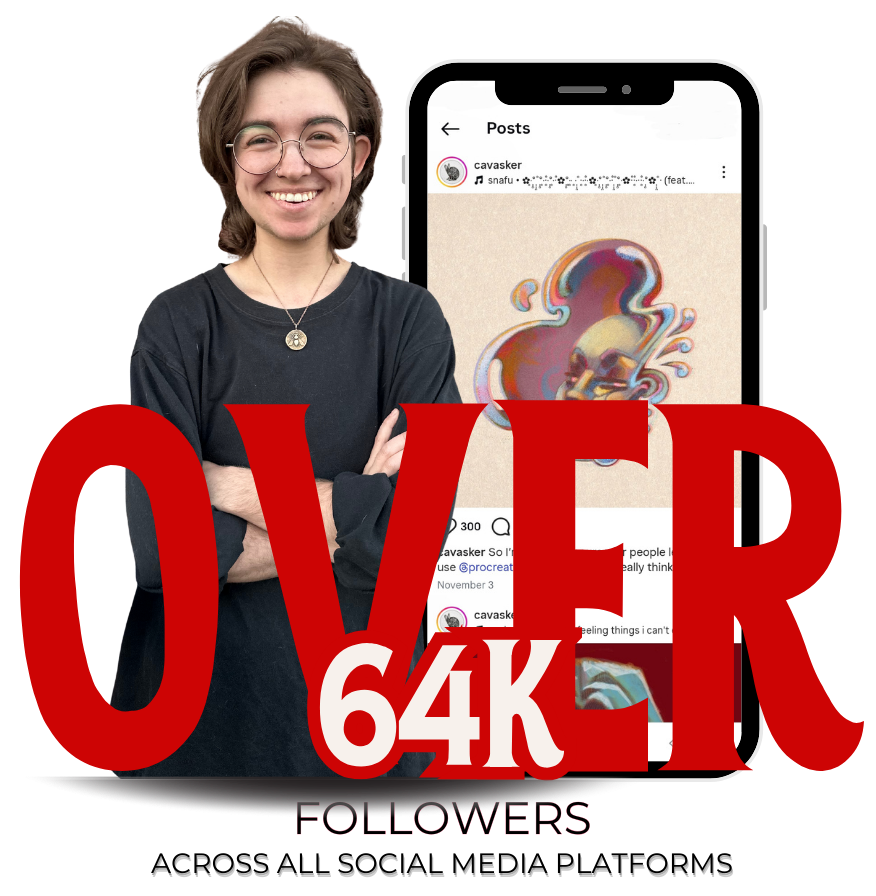
Hi! I'm Cav
More known as @cavasker. I’m a digital and traditional artist who builds worlds and characters through sketching, ink, and imagination. My style leans into the dark, the weird, and the fantastical, shaped by years of drawing both on paper and in Procreate.
Through my art, I explore mood, storytelling, and the raw energy of the sketchbook. Now I want to pass that on. I created this course to help beginners learn how to turn their iPads into amazing sketchbooks, so you can start creating the art you’ve been imagining and develop your own style along the way.
Create without second-guessing yourself
Digital art shouldn’t feel intimidating.
If you’ve ever opened Procreate and felt unsure where to signal, or worried that your work doesn’t match what’s in your head — you’re not alone. Confidence doesn’t come from having a “style”. It comes from understanding the process.
From iPad to Sketchbook is designed to help you move past self-doubt and start creating with clarity.
You’ll learn how to:
✏️ Sketch with strong foundations, even if you’re starting from scratch
🎨 Use color intentionally (without overthinking it)
💡 Add light, shadow, and form for clean, finished-looking artwork
With clear lessons and real-time drawing, you’ll build skills and confidence at the same time.
By the end of the course, you’ll trust your process, feel comfortable in Procreate, and know exactly how to keep improving.
SIGN UP NOWAt the end of the course you will be able to
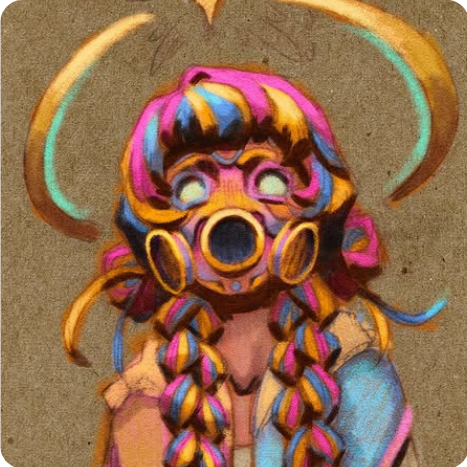
Create Polished Art
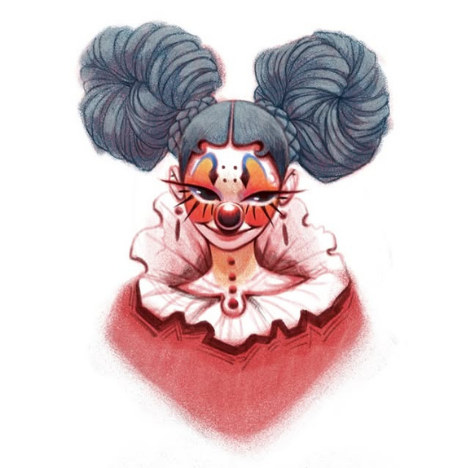
Useful Techniques To Inspire New Art
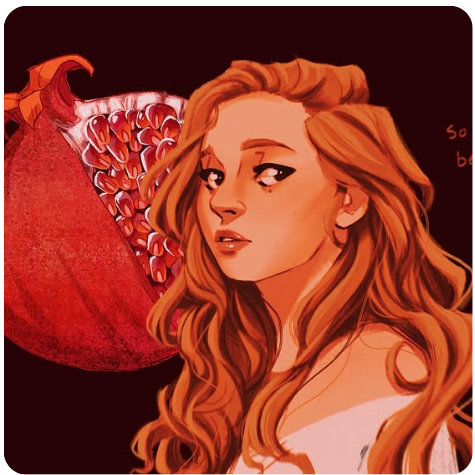
Develop Your Unique Style
Course Content
I’ll show you how to use Procreate’s tools in a way that actually makes sense, so you can draw confidently instead of guessing your way through menus and settings.
But this course goes beyond learning tools.
You’ll learn how to approach digital art creatively: how to sketch with intention, build ideas, work with color and light, and bring your drawings together into finished pieces that feel expressive and cohesive.
Along the way, you’ll draw with me through real-time demos, guided exercises, and hands-on practice. Each lesson builds on the last, helping you develop your skills gradually and without overwhelm.
The course includes 25+ lessons, 7+ hours of real-time drawing, and all the resources you need to turn Procreate into your digital sketchbook, and keep growing long after the course ends.
In this course you will learn
MODULE 1&2
Setup, Tools & Your Digital Sketchbook
Learn how to set up Procreate the right way from the start. We’ll cover the essential tools, canvas settings, and preferences so your iPad is ready for smooth, stress-free drawing sessions.
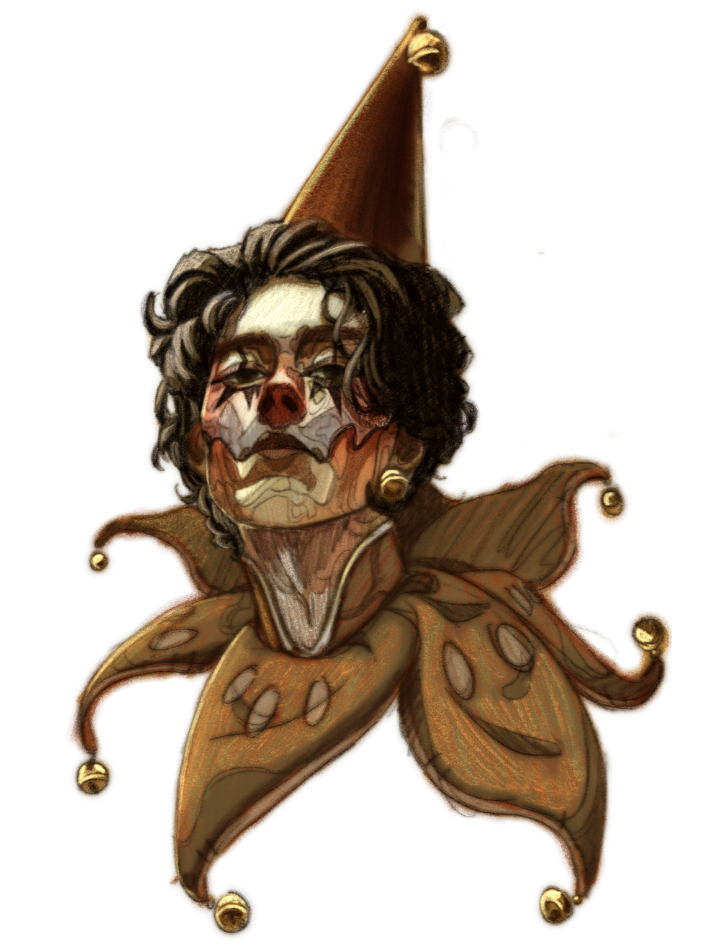

MODULE 3&4
This is where we let go of perfection and start drawing.
You’ll learn how to defeat the blank page, loosen up your sketching, and build a visual library that actually helps spark ideas. I’ll show you how I use references (without copying), how to explore themes, and how to move from messy sketches to intentional concepts.
MODULE 5&6
Now it’s time to take your ideas a step further.
You’ll learn how to refine your ideas through focused studies, breaking complex elements down into simple shapes before bringing them together into a more intentional drawing. From there, we’ll move into linework, color blocking, and building depth using layers, texture, light, and shadow.
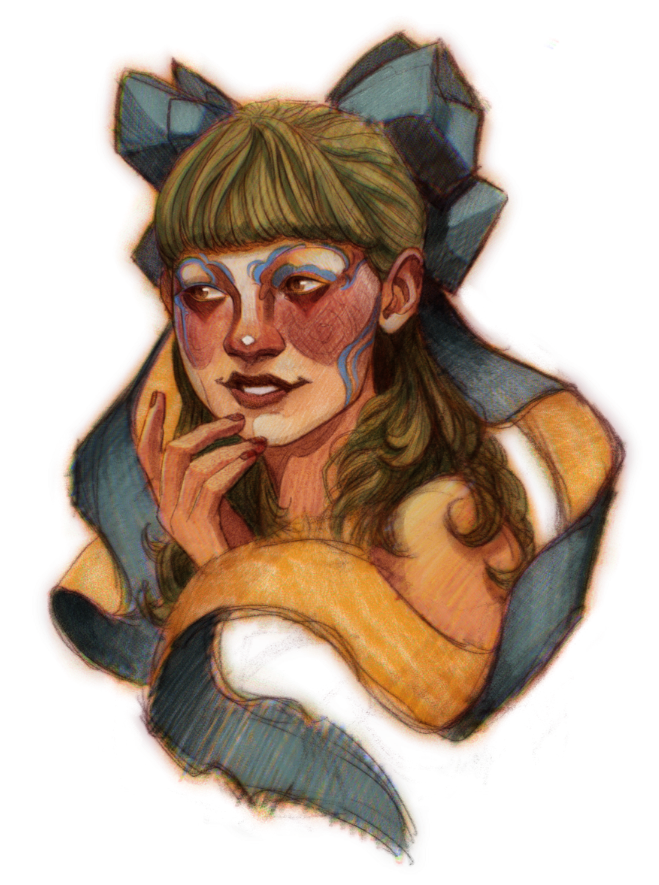

MODULE 7
This is where everything comes together.
You’ll learn how to render your artwork, add details, and polish your piece while keeping it expressive and alive. I’ll share simple techniques to enhance texture, light, and visual interest — without overworking your drawing or getting stuck chasing perfection.
Included in the course you will find

25+ lessons in FULL HD, totaling more than 7 hours of course time. You can watch these lessons whenever and however you want, FOREVER!

This course is built around hands-on practice.
You’ll follow guided exercises, sketchbook prompts, and real-time draw-along sessions to help you understand tools, build confidence, and develop your skills gradually, without overwhelm.

Access to a community of students who are learning to use Procreate, just like you! You can practice together and clear up any doubts by talking to me or other subscribers!

My dedicated support: you can write to me anytime you want via email for support, or for any other concerns. I will always strive to get back to you within 24 hours!
...and much more!!
FIND OUT MORECourse Strucure
In this video, I will show you the course, lessons, and additional materials.
Within the course you will find 7 sections, starting with the basics of digital art and ending with specific uses of this tool. I recommend that you watch the sessions in order, as we will see progressively more complex topics in the course. Remember that you can always go back and watch the lessons as often as you need to!
All videos are in FULL HD and you can adjust the speed, audio, and quality.
Bonuses
What will you get extra by joining the course!
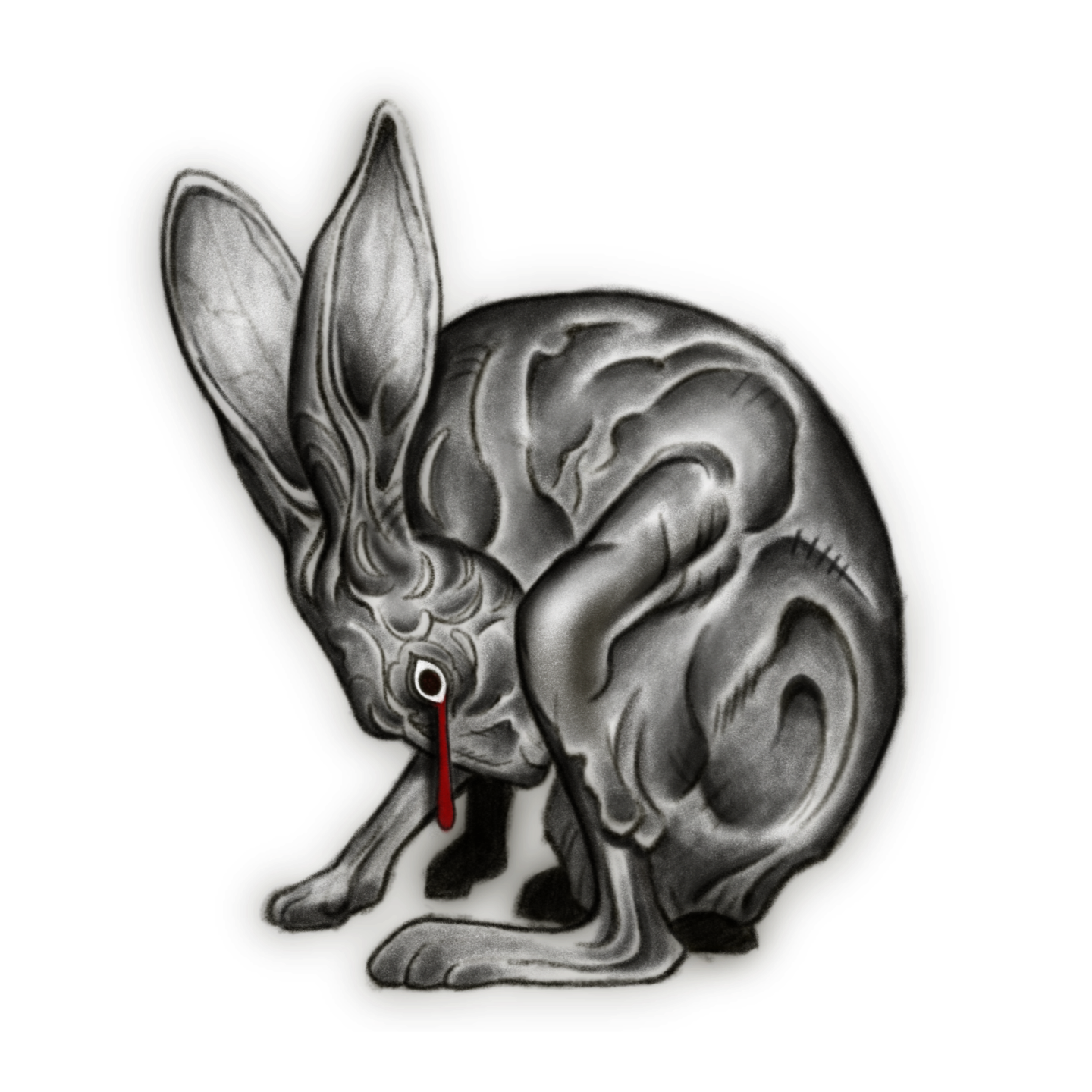
125
Procreate Brushes
$97 -> FREE!
6,000+ Color Swatches in Curated Palettes
$97 -> FREE!

12 High-Resolution Paper Scans
$47 -> FREE!
2026 REGISTRATIONS ARE CLOSING SOON!
🎉 New Year, New Goal – Learn a new skill once and for all 🎉
00
DAYS
00
HOURS
00
MINS
00
SECS
TWO OPTIONS TO ACHIEVE YOUR 2026 GOALS ✨
SPECIAL ACCESS DISCOUNT - $100 OFF
2026 has just begun; it is the perfect time to refocus on yourself and your ambitions!
Here you can find two options that only differ in how you want to pay. The first option is a one time payment, and the second is a monthly option with three installments. The price displayed below is in USD (American Dollars), but you can pay with ANY currency.
Let's go learn how to draw in 2026 ✨

My guarantee to every student
If you are not satisfied with the course for any reason, you have the right to a full refund within the first 30 days. This is my guarantee to you; I want all my students to be satisfied. Also, this means there is no risk at all!
Try the course yourself to find out if it is right for you!
Questions You Might Have
Is the course "live"?
Is the course suitable for everyone?
How can I pay?
How long will I have access to the course?
Will I receive access to the course immediately?
Is the price just a one time payment?
Can I pay with any currency?
Can I buy the course as a gift?
Is there a guarantee?
Will registration reopen soon?